Implemented

WebUI larger dialog pages

Related products:WebUI
  • July 4, 2019
  • 7 replies
  • 163 views

sandervlot
AIMMS Partner
Forum|alt.badge.img+4
I would like to be able to make larger dialog pages than is currently possible in the AIMMS WebUI.

One use case as an example:

Currently I'm working on Schedule Compare functionality, that (ideally) would be an overlay screen on top of the current Gantt Chart page. The overlay would then contain 2 Gantt Charts (before and after, so to say). Unfortunately the largest available dialog page is too small to properly show 2 Gantt Charts.

7 replies

Forum|alt.badge.img
  • AIMMS Partner
  • January 31, 2020

Aimms, any updates on this?

My customer is also looking for bigger dialog pages.


  • AIMMS Partner
  • January 31, 2020

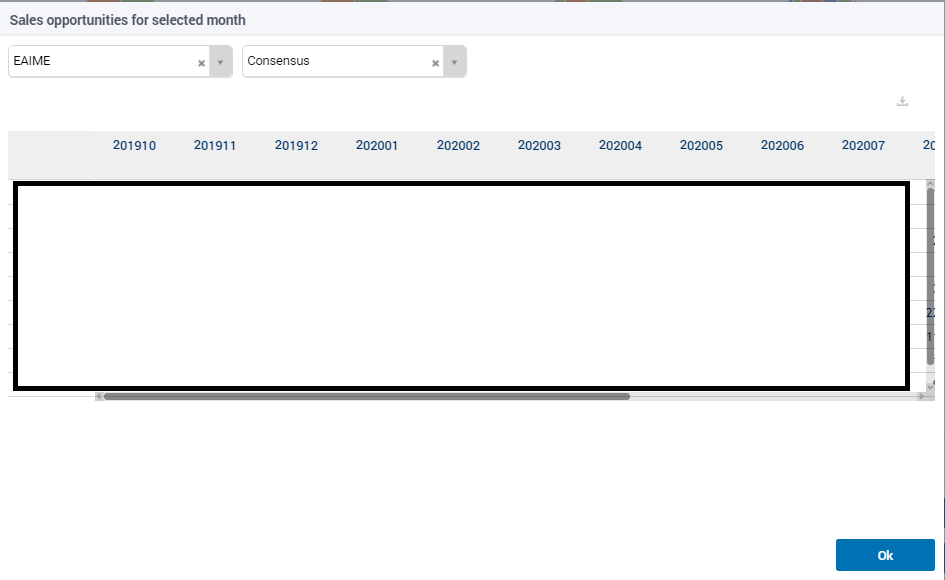
@AIMMS User Support same question. Is there no way to put a decent size table on a dialog page without having to scroll for data with more than 5 lines? Added a (blanked) screenshot below.


Thanks


  • February 3, 2020

Hello @MarianneWilde,


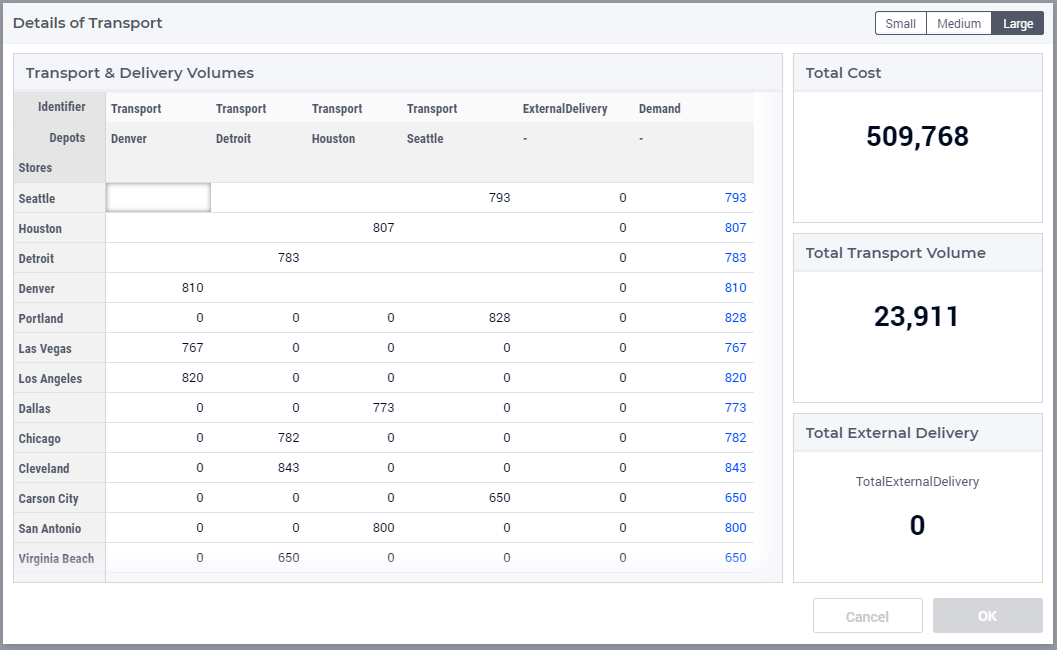
At this moment, the sizes of the Dialogs are ‘fixed’ and, to be honest, I am slightly confused by your picture. See below an example of a Dialog; it has 13 rows, plus headers etc. Are you sure you used the max space for the table? 
It sure seems your table can be made higher (max 3 rows high, 8 columns wide). If this is due to the Selectors on top; I would suggest to move those to the side so you can have full height of the table in your page and the selectors on the right; similar to what I did below with Scalars.

Large Dialog with Table (developer view)


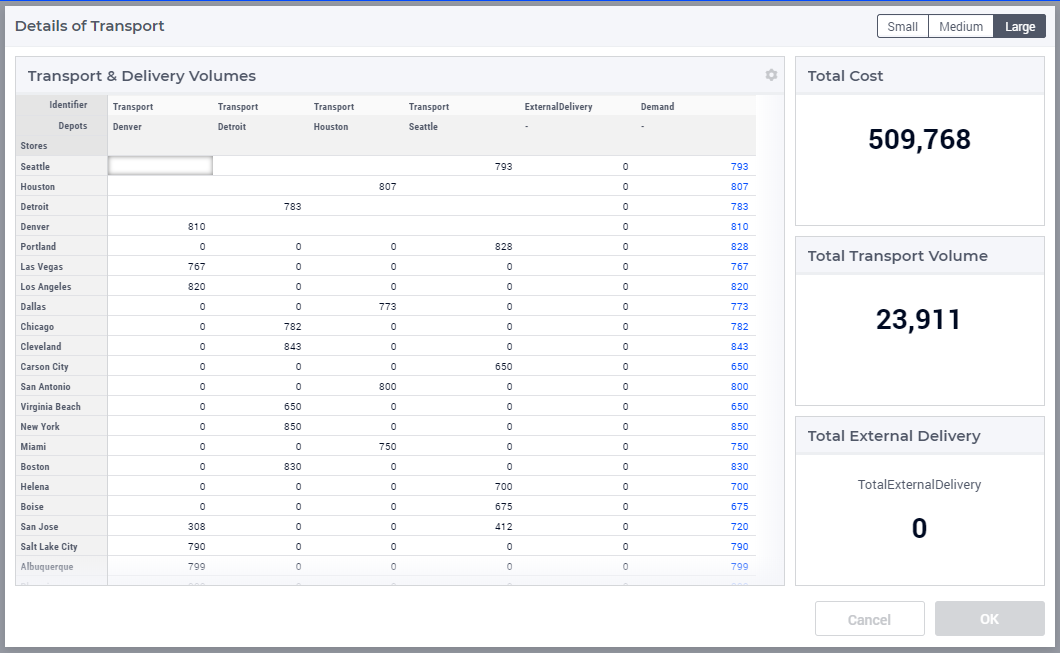
You could decide to play with the default row height (in miscellaneous options of the table); default = 3, smallest is 1 (see below)

Large Dialog with Table with Row Height reduced to 1 (developer view)


BTW: You might have seen in the product update of December that we are working on a new Page Layout setup; if not, see https://community.aimms.com/product-updates-roadmap-customers-only-36/product-update-december-2019-485. This setup will allow to ‘auto-filling’ the complete space appointed to table (we will go away from column and row height for widgets which e.g. leads to unnatural breaks at times).


Hope this helps.


Jess Es
Forum|alt.badge.img+6
  • Grand Master
  • February 5, 2020

Now I’m curious what is your use case also, @OlmoVerhagen ?


  • April 14, 2021

Check out the preview of the next feature release: 


With custom sizing and the new grid layout, you will have the ability to create a better experience when using DialogPages.


  • May 3, 2021
Updated idea status Discussion ongoingIn Development

Forum|alt.badge.img+2
  • Former AIMMSian
  • August 24, 2021
Updated idea statusIn DevelopmentImplemented
 
Implement and available since AIMMS Version 4.80.
 

Didn't find what you were looking for? Try searching on our documentation pages:

AIMMS Developer & PRO | AIMMS How-To | AIMMS SC Navigator