


Hope anybody has a quick solution for something I have not been able to solve yet….
My goal is to have a scalar widget that uses (almost) all of the available width for the textbox.
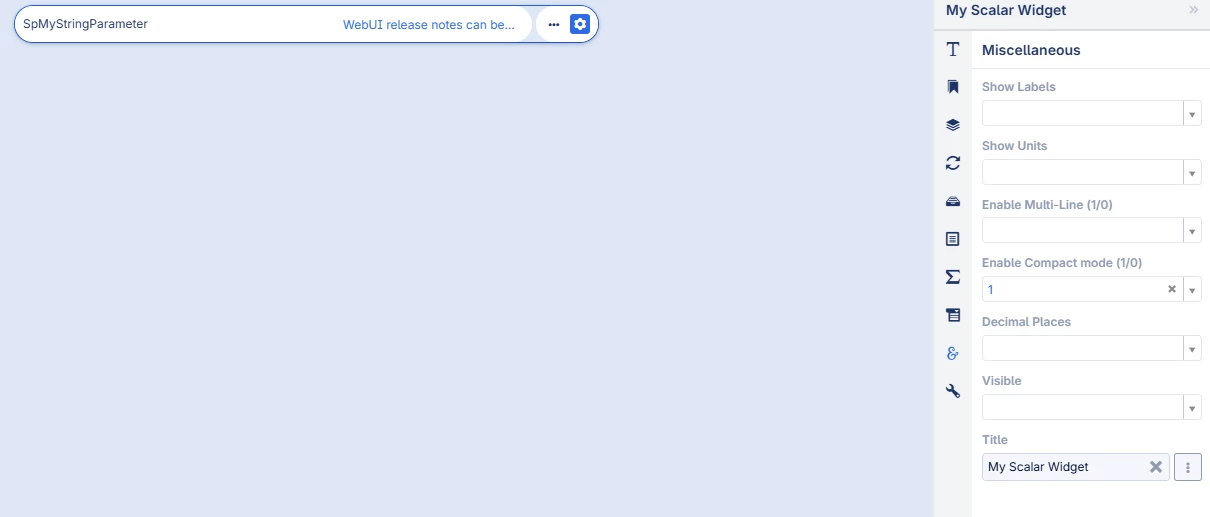
So what I have is a string parameter and I show it in a scalar widget for which I enabled compact mode and it shows it like this:

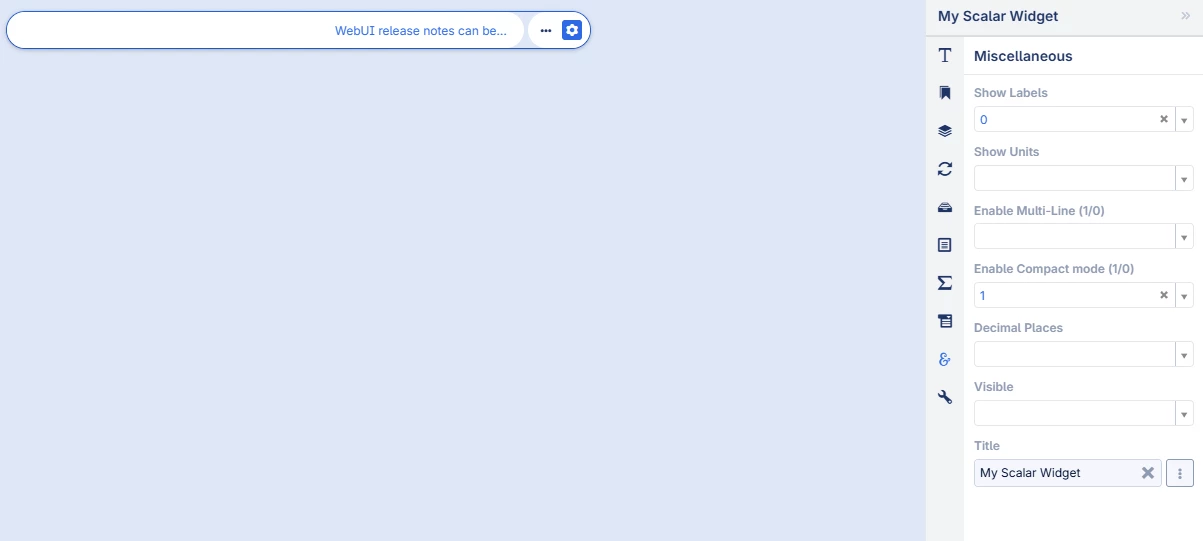
As you can see, there is the … to indicate the full string parameter is not shown. I do not want to show the label spMyStringParameter. Even if I delete that label in the developer console of the browser, the actual input box still does not use the full width.
Is it somehow possible with adding some CSS to have the input box use the full width of the widget (as a single line, I do not want a multiline textbox)