
Question

AIMMS error message

  • July 3, 2026
  • 1 reply
  • 16 views

Forum|alt.badge.img+3

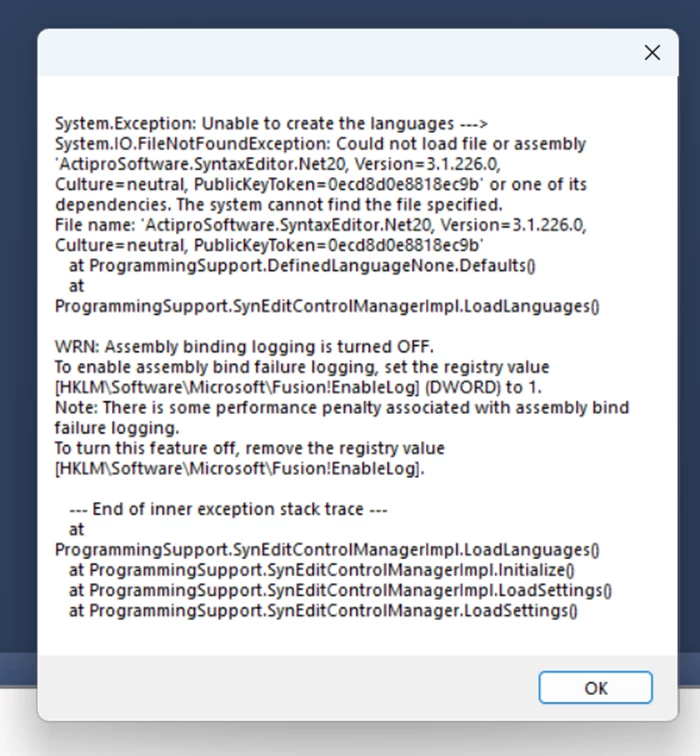
Hi, recently when I open my AIMMS file, there are few prompts popping up. I will insert the screenshots of those prompts sequentially, please help me figure out the issue. 
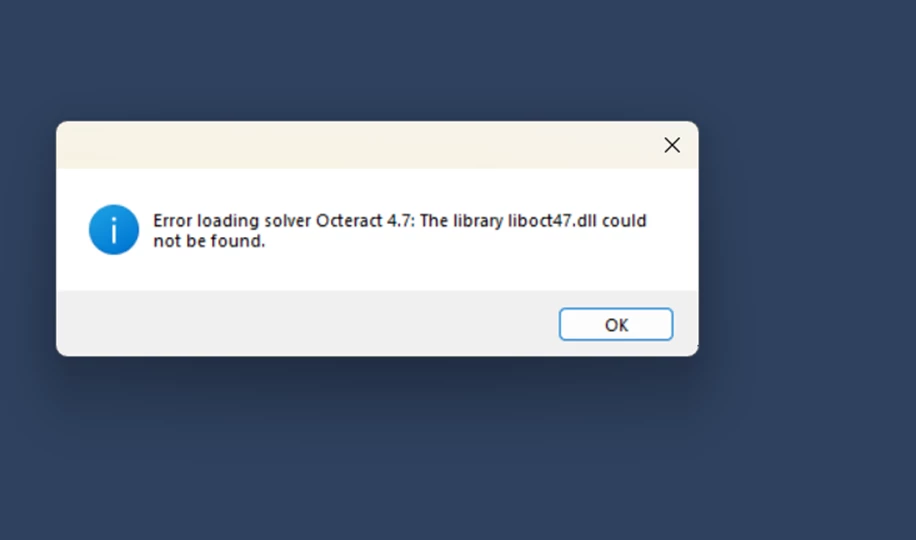
But after I click OK, and run, AIMMS still solves the model for me. Please assist me on this. Thank you.


1 reply

Marcel Hunting
AIMMSian
Forum|alt.badge.img+4

Hi ​@Anne. It seems you have upgraded AIMMS to a (much?) newer version.

The solver Octeract has been removed in AIMMS 25.5. To resolve the first issue you should delete Octeract from the solver configuration.

To resolve the second issue, go to the folder

  C:\Users\MyName\AppData\Roaming\AIMMS\Config

and delete the file(s) SyntaxEditor-x.xx.x.x.cfg. Here ‘MyName’ should be your profile folder name. You can also reach this folder by typing %APPDATA%\AIMMS\Config into the Explorer address bar or Run dialog.


Didn't find what you were looking for? Try searching on our documentation pages:

AIMMS Developer & PRO | AIMMS How-To | AIMMS SC Navigator