

Question

View sometimes does not automatically update after data changed

  • September 8, 2026
  • 2 replies
  • 41 views

gdiepen
AIMMS Champ
Forum|alt.badge.img+7

Sometimes when I use WidgetActions on a table to add new elements or remove the selected element (based on storing the focus of an index in that table to an element parameter and having a procedure in the widgetactions list of that table that removes the currently selected element from that set)


When doing this, especially when deleting elements, I see the extra button in the table:
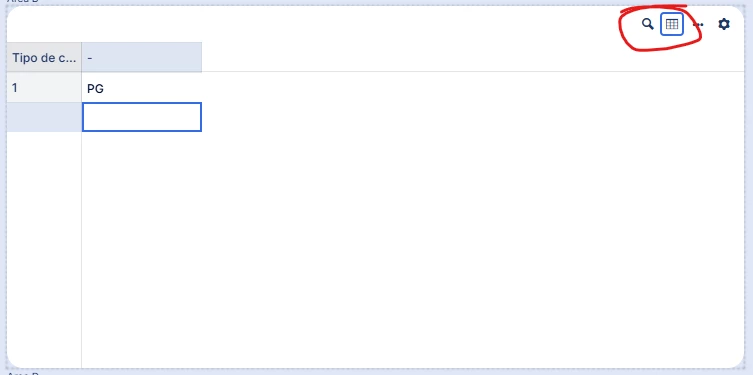


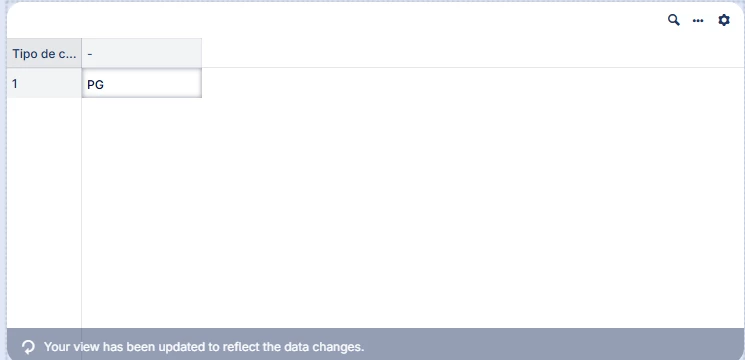
If I move the focus away from this table, it automatically updates with the following message:
 

Is there a way that I can force the table to update to reflect the data change right away from my delete procedure?


I tried using something like webui::refreshallwidgets, but that just resulted in a temporary busy state and after that was done, nothing changed.


 

2 replies

gdiepen
AIMMS Champ
Forum|alt.badge.img+7
  • Author
  • AIMMS Champ
  • September 16, 2026

Nobody with the same problem (or with a solution 😉)?


Madhu Krishnappa
AIMMSian
Forum|alt.badge.img+6

Hi ​@gdiepen, 

This is the expected behavior of the Table widget.

 
When sorting and/or filtering is applied to a table, and the data then changes (rows added, removed, or updated), the table view needs a refresh to reflect the applied sorting or filtering again. We don't do this automatically, because we don't want the table to jump around or reorder while users are editing cells.  

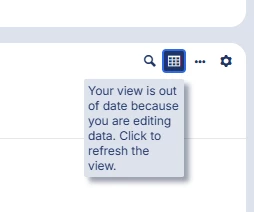
This button in the Table widget header, together with its tooltip, signals that the current view is out of sync with the data. Clicking it refreshes the table so the data is presented according to the applied sorting and filtering.   


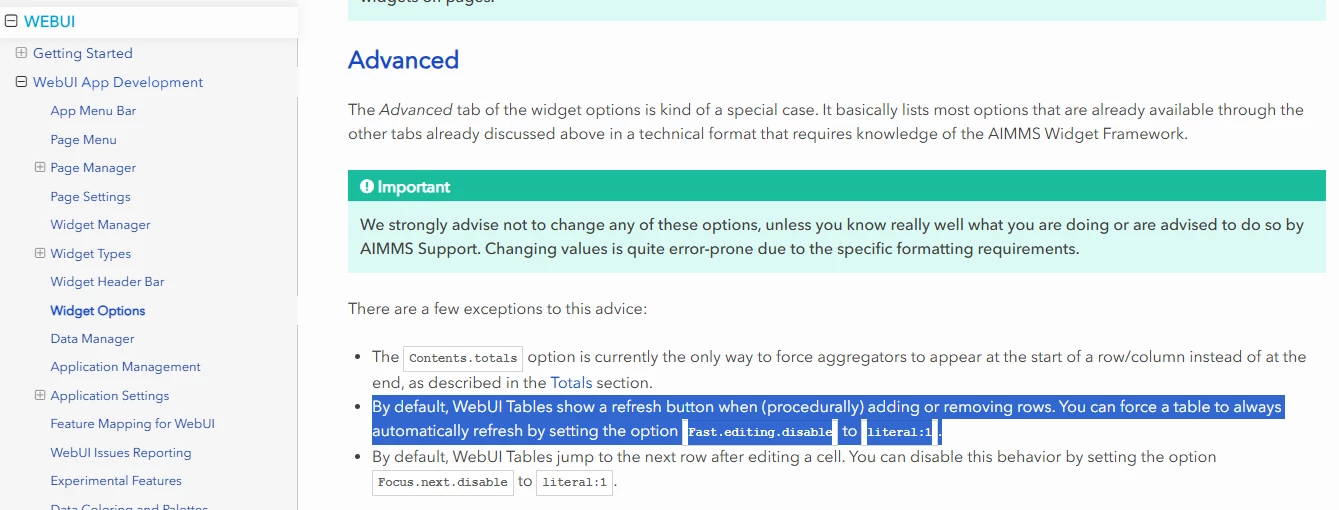
We have indeed heard from few customers that they don't want this button and would rather have the table refresh automatically. That option is available and described in the documentation: https://documentation.aimms.com/webui/widget-options.html#advanced


Hope this helps!

Thanks,
Madhu Krishnappa


Didn't find what you were looking for? Try searching on our documentation pages:

AIMMS Developer & PRO | AIMMS How-To | AIMMS SC Navigator